
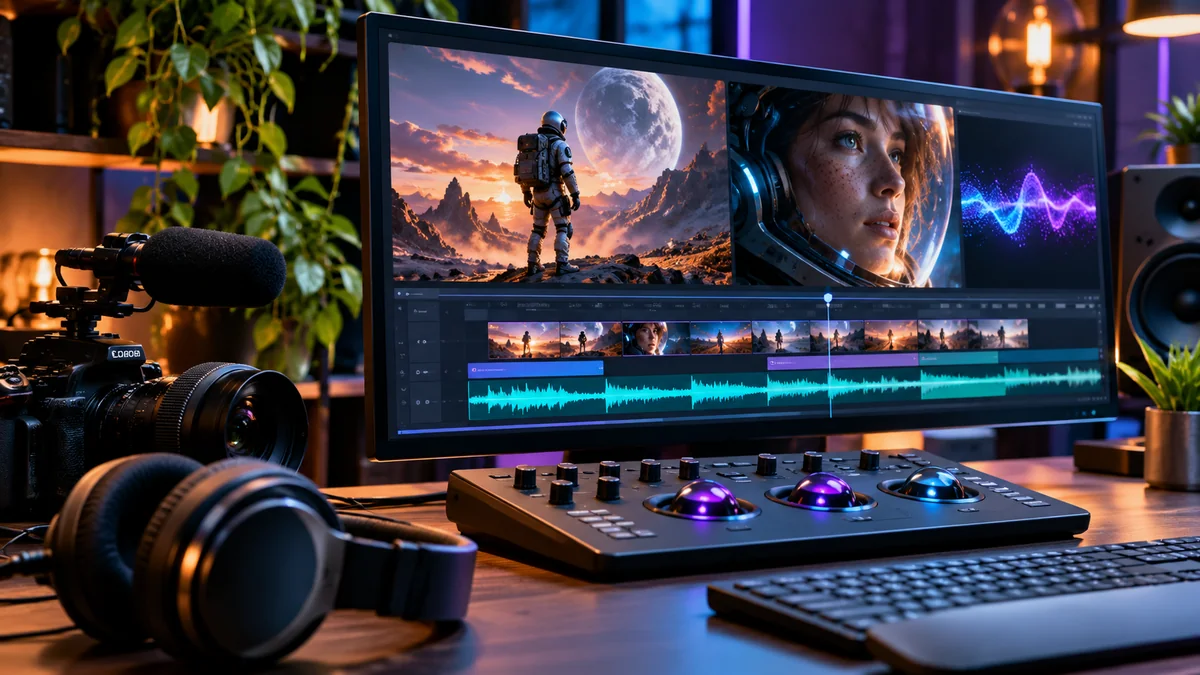
AI video production rarely ends when the clip is generated. Creators still have to keep characters consistent across cuts, time actions precisely and make the sound fit the picture. Adobe’s latest research previews target those editing problems.
What’s new at Adobe MAX?
At Adobe MAX 2026 Sneaks, presented in an official November 11 announcement, Adobe showed experimental concepts for video, character development and sound. These are research previews—not a promise that every feature is available in Premiere Pro or other shipping Adobe apps.
Four ideas worth watching
- Project Scene Sweep: explores applying a consistent edit across multiple shots and camera angles, instead of repeating the same adjustment in every clip.
- Project Screen Test: explores developing a fictional character’s appearance, voice and personality through natural-language conversation with that character.
- Project On Cue: explores timing an action in generated video using an editable timing signal, including one drawn manually or extracted from other media.
- Project Sound Bender: explores isolating a sound from a finished mix, creating variations and shaping how that sound changes or moves with video.
Adobe also previewed Project Live Set, a concept for changing a subject, environment or camera direction while video is playing.
Why creators should care
Scene Sweep addresses a familiar multi-shot problem: the same character or location may need the same correction in several clips. On Cue is relevant when a generated action happens at the wrong moment. Sound Bender points toward more flexible sound design for short films and social videos.
For an AI creator assembling several five-second clips, these are potentially useful directions. But Adobe has not established in this announcement that they are production-ready tools or that they solve every consistency or synchronization problem.
Can you use these tools now?
Do not assume general availability. Adobe describes the projects as experimental Sneaks. The company also mentions an Adobe Labs Playground with early research previews, but access to a particular project must be checked individually. The announcement does not provide a universal launch date or final pricing for these concepts.
Bottom line
The most interesting theme is control after generation: keeping edits consistent, choosing exactly when actions happen and directing sound rather than accepting the first output. For now, treat the demos as a look at possible workflows—not as a reason to change your existing editing setup.
Official source: Adobe MAX 2026 Sneaks: Previewing the future of creativity.