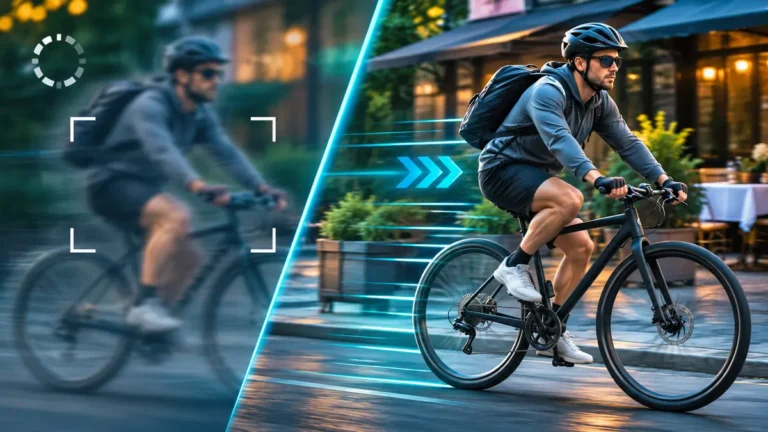
Why Is My AI Video Blurry or Slow? Diagnose Generation vs Export
Why does AI video look blurry, slow, or stuck in place? Diagnose the original versus export, then see three real Runway cyclist tests with exact prompts and results.
Explore AI video generation with practical tutorials, prompts, and hands-on examples. Learn how to animate images, maintain character consistency, control camera movement, and troubleshoot common video generation problems.
Why does AI video look blurry, slow, or stuck in place? Diagnose the original versus export, then see three real Runway cyclist tests with exact prompts and results.
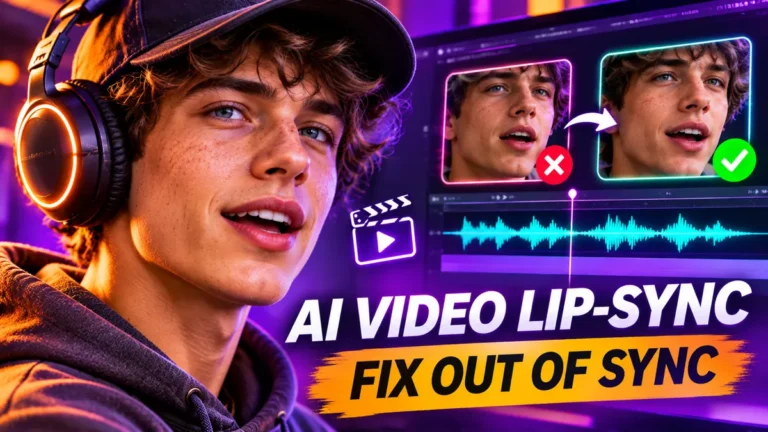
Diagnose and fix AI video lip-sync delays, growing audio drift, and inaccurate mouth animation. Includes a 12-second original timing demonstration and practical workflow.
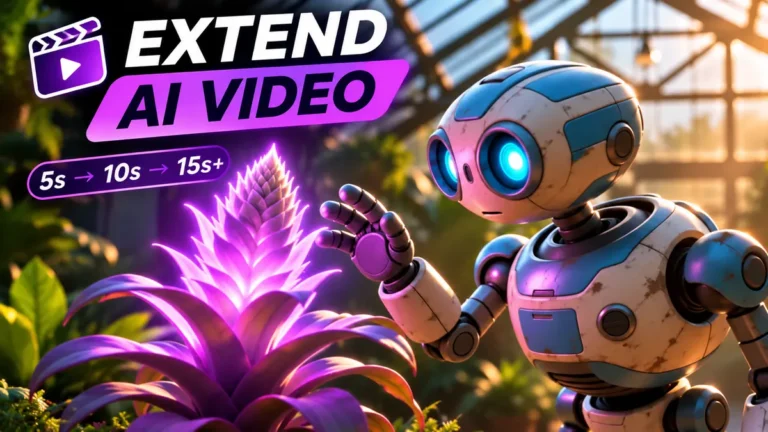
Learn when to extend an AI video and when to assemble shorter clips. Includes Runway Seedance 2.5 steps, copyable prompts, a 25-second shot plan, and continuity fixes.
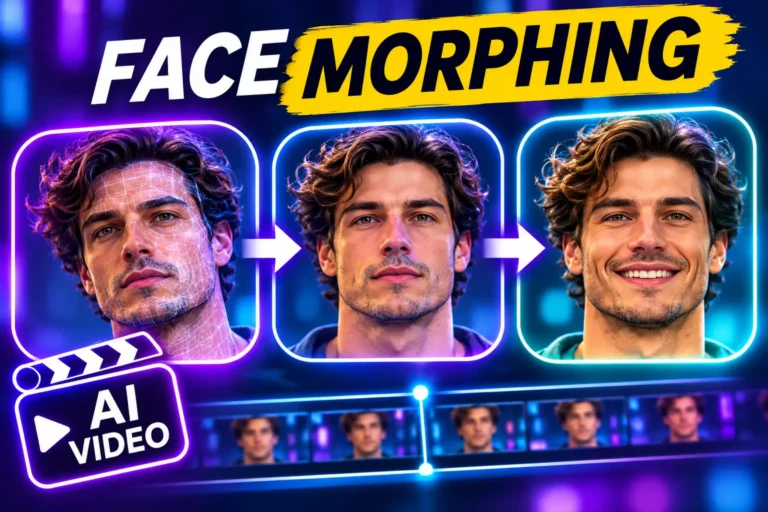
Why AI-generated faces change during video, how to diagnose identity drift, and a practical workflow with one real five-second Seedance 2.0 Mini clip and its exact prompt.

Walls bending, flickering textures, or disappearing furniture in AI videos? Diagnose the problem and try practical fixes for Runway, Kling, and Google Flow without wasting credits.
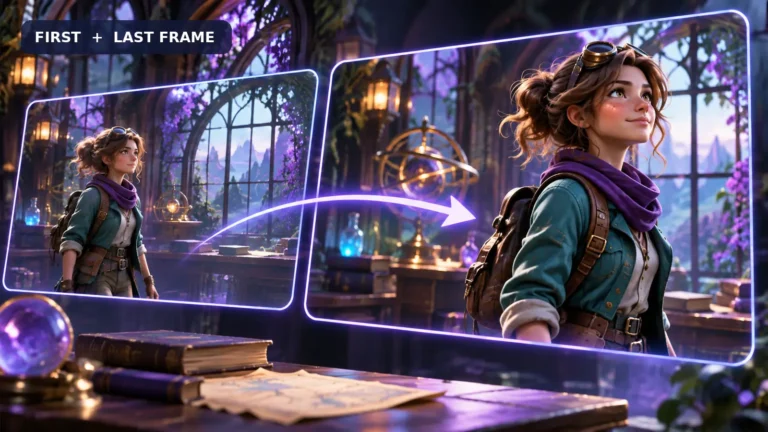
Learn to plan start and end frames for AI video, write transition prompts, prevent sudden cuts and evaluate the motion in between.
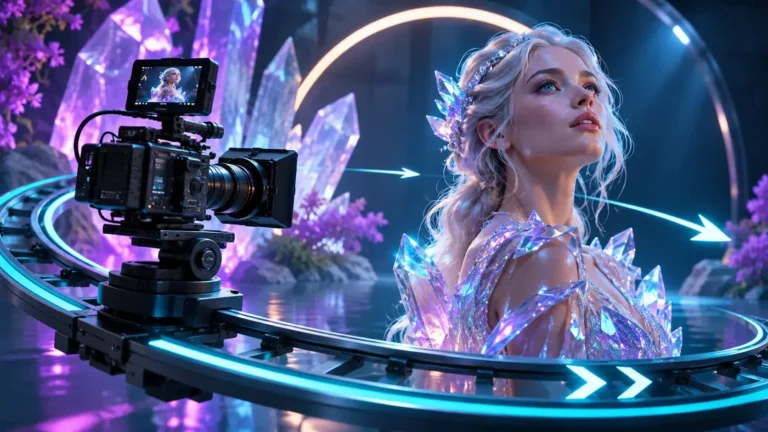
Learn nine AI video camera movement prompts, from dolly-ins to pans and orbits, with copy-ready examples and practical troubleshooting tips.
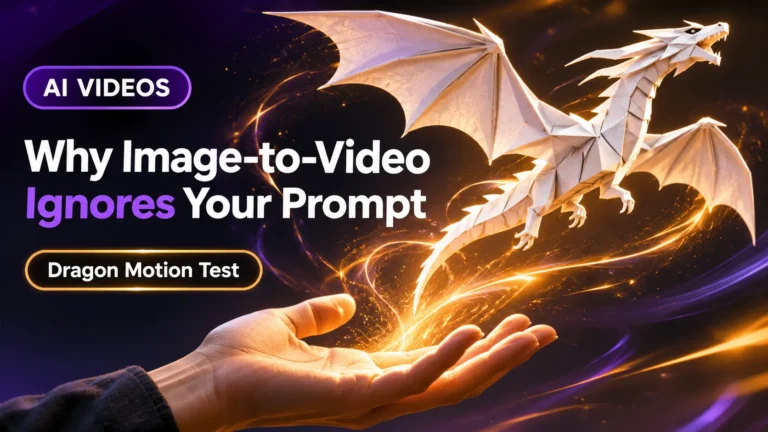
Your AI video moves, but the character won't follow the prompt? See our real dragon experiment and seven practical ways to fix motion.
Learn how to keep the same AI character across multiple videos using reference images, image-to-video generation, practical prompts, and character consistency checks.