
Google has added Omni 1.2 Flash to Google Vids, giving people with a Google account a way to generate up to three 15-second AI videos per month at no cost. Announced on November 5, 2026, the update also brings image-to-video creation and improved speech narration, according to Google.
What’s New in Google Vids?
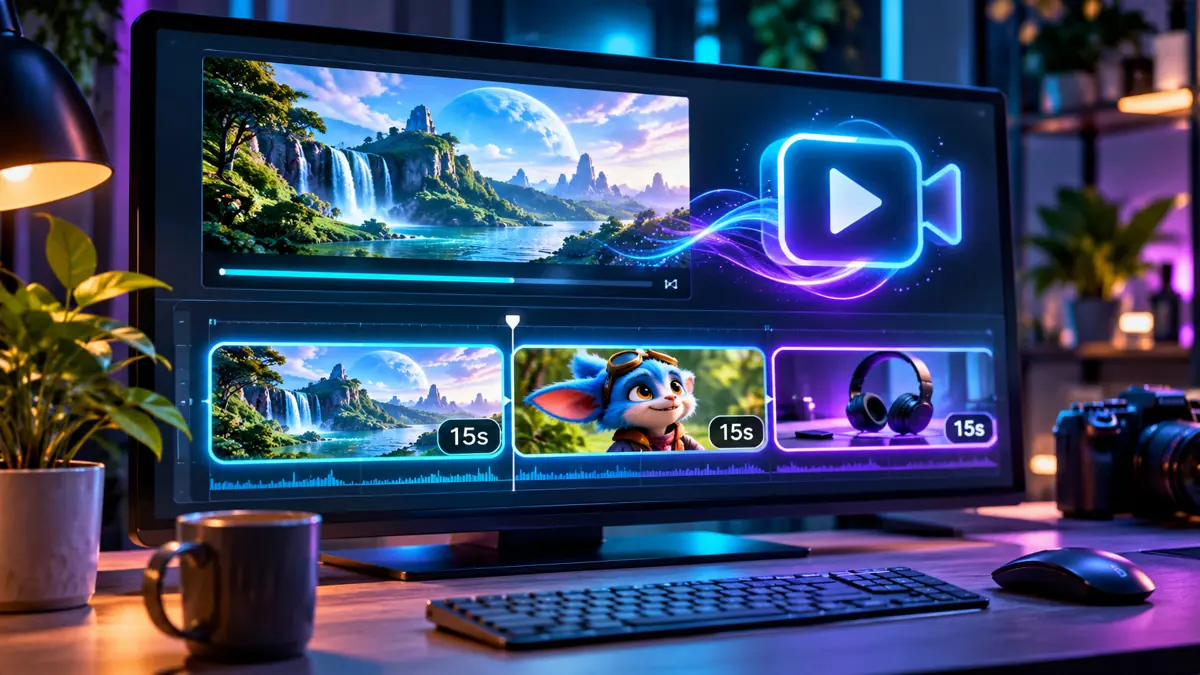
Google Vids now uses the Omni 1.2 Flash video generation model. Google’s announcement says users can generate clips lasting up to 15 seconds, with a free allowance of three generated videos per month. Google says this is available to anyone with a Google account or Google Workspace subscription.
What Can Creators Do With It?
- Generate a short promo or social clip from a text description.
- Upload a reference image to turn a still scene into moving video.
- Create a short explainer or teaser with generated speech narration.
Google highlights improved character and scene consistency within generated clips. That is a product claim, not a result independently verified by AI Revolution.
How to Try the Free AI Video Generator
- Open vids.new and sign in with your Google account.
- Start a video project and locate the AI video generation option.
- Describe one clear scene or upload a reference image if that option is offered.
- Generate a short clip, review the motion and narration, and adjust the prompt before spending another generation.
The free allowance is limited. If you are testing multiple prompts, plan your three monthly generations rather than assuming unlimited retries. Interface labels and available controls may vary by account.
What Creators Should Know
A 15-second clip is useful for a quick visual hook, a product teaser, or a single scene in a larger video. It is not a substitute for a complete multi-scene production workflow. The announcement does not establish that every generated clip will keep a character perfectly consistent or produce flawless narration.
Google’s announcement specifies the free monthly clip allowance but does not, in the cited announcement, provide a complete breakdown of paid generation limits or commercial-use terms. Check the current Google Vids terms and your account’s plan before using output in paid client work or advertising.
Why This Matters
For creators who want to test AI video without immediately paying for a subscription, three 15-second generations offer a limited but practical starting point. The strongest use case is a narrowly scoped experiment: one scene, one subject, and a short prompt. AI Revolution has not independently tested Omni 1.2 Flash in Google Vids yet.
Official Source
Google’s November 5 announcement: Generate longer AI videos with Omni 1.2 Flash in Google Vids at no cost.