
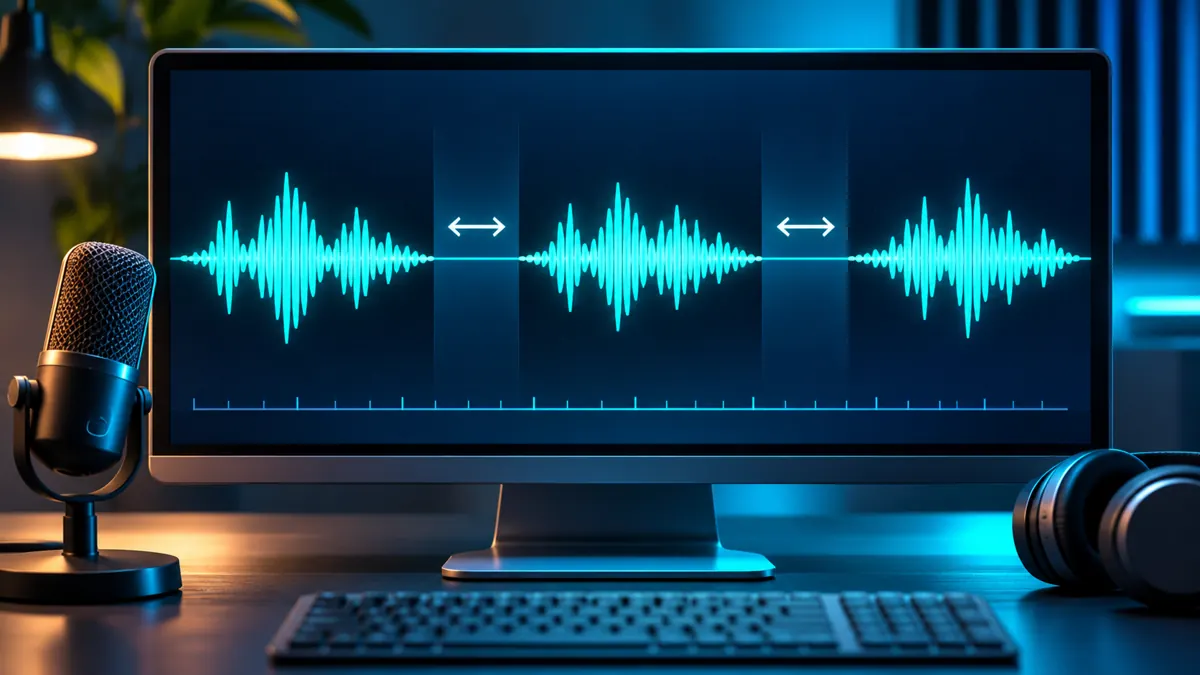
A voiceover can pronounce every word correctly and still sound rushed. A reveal lands too early, two speakers talk without breathing room, or a narration runs straight through a scene change. In ElevenLabs, the right fix depends on which text-to-speech model you selected. The pause syntax for Eleven v4 and v3 is different from the syntax used by Multilingual v2 and Flash models.
Quick answer: Use [pause] or [long pause] with Eleven v4/v3. Use <break time="1.0s" /> with supported older models such as Multilingual v2 or Flash v2.5. If you need an exact gap between finished lines in a video, split the audio and add silence in your editor instead.
Real audio test: no tags vs short and long pauses (Eleven v4)
We generated three versions of the same five-sentence narration in ElevenLabs Text to Speech using Eleven v4 and the Katie – Audiobook & Documentary Narrator voice. The only intended script change was the insertion of four [pause] or four [long pause] tags. The source recordings were supplied by the site owner in November 2026. Listen to the examples below.
Base script: “The door was open. I stepped inside. Something was moving in the darkness. Then I heard a voice. It whispered my name.”
Measured result: The short-tag recording was approximately 2.07 seconds longer than the untagged version; the long-tag recording was 3.03 seconds longer. A threshold-based silence scan (minimum gap 180 ms; silence threshold −37 dBFS) identified longer gaps at the main sentence boundaries in the tagged recordings. These are detection settings, not exact measurements of the duration of individual audio tags. These are total recording differences, not precise per-tag durations: speech delivery can also vary between generations. The experiment uses one voice and one generation per condition, so it does not establish a universal pause length for Eleven v4.
Practical takeaway: For expressive narration, try [pause] first. Use [long pause] when a scene or reveal needs more room. For frame-accurate video editing, export the voiceover and adjust gaps on the timeline.
Choose the pause method for your ElevenLabs model
| Model | Pause control | What to expect |
|---|---|---|
| Eleven v4 / Eleven v3 | [pause], [long pause], punctuation | Context-dependent timing; not an exact number of seconds |
| Multilingual v2 / Flash v2 / Flash v2.5 | <break time="1.0s" /> | Specified pause, up to 3 seconds according to ElevenLabs |
| Any exported voiceover | Split clips and insert a gap in your editor | Timeline-level timing; preserves the original spoken words |
This distinction is documented by ElevenLabs. Its current pause guidance states that v3/v4 do not support SSML break tags. Do not paste a break tag from an older tutorial into v4 and assume it will work.
Method 1: Natural pauses in Eleven v4 and v3
For these models, put an audio tag at the exact point where the speaker should hesitate. Start with a short pause after a complete thought; reserve a longer pause for a reveal or scene transition.
Copy-ready script: short and long pauses
The signal came from the empty station. [pause] Nobody had been there for years.

Then the monitor turned on. [long pause] A face appeared on the screen.
How to use it: Select Eleven v4 or v3 in Text to Speech, paste the script, generate a short sample, and listen specifically to the two transitions. The model interprets tags in context, so [long pause] is not a promise of a fixed two-second gap. ElevenLabs explains this behavior in its Eleven v4 pause guide. In Eleven v4, the v4 Enhance option can suggest audio tags; review its changes before generating. Keep your pause-cue approach consistent across a long script, and test short samples because v3 and v4 may interpret the same cues differently.
If the delivery becomes theatrical
- Remove one of the tags. A pause after every sentence can make the read feel artificial.
- Replace a dramatic tag with a period or em dash when you want a lighter transition.
- Try two short sentences rather than one long sentence with multiple stage directions. Punctuation can also help: a period marks a natural boundary, while an ellipsis may suggest hesitation. Neither gives a fixed duration.
- Regenerate only the affected line or short passage when your workflow supports targeted regeneration.
Method 2: Timed SSML breaks in supported older models
With Multilingual v2, Flash v2 and Flash v2.5, ElevenLabs documents the SSML break tag for a more explicit pause. Use seconds in the time attribute. The documented maximum is three seconds.
Copy-ready script: a one-second break
We checked the recording. <break time="1.0s" /> The second voice was not ours.
Use a longer value only when the scene needs it. For example, <break time="2.0s" /> requests a two-second pause. ElevenLabs warns that excessive break tags can introduce artifacts or unusual pacing. Keep them sparse and audition the result.
Important: This is model-specific guidance, not a universal SSML rule for every speech generator. The ElevenLabs API help page confirms the v3/v4 exception.
Method 3: Fix pauses after generating audio—without regenerating speech
Sometimes the spoken delivery is good, but the timing against your video is wrong. In that case, do not spend more speech credits just to move a line by half a second. Use your video or audio editor.
- Export the best voiceover take and keep an untouched backup.
- Place the audio on its own timeline track.
- Find a natural edit point after a sentence, ideally where the waveform drops toward silence.
- Split the clip at that point. Move the second section to the right to create the required gap.
- Listen with the music and sound effects enabled. Add a short fade at the cut if you hear a click.
- Keep background ambience on a separate track so the inserted silence does not feel like the entire room suddenly went dead.
Example timeline (illustrative, not a tested recording): narration A ends at 00:04.20; narration B begins at 00:04.20. Move narration B to 00:05.00 to create an 0.80-second gap. The speech itself remains unchanged.
Which approach wastes the fewest credits?
| Problem | First action | Why |
|---|---|---|
| Good words, wrong gap before next line | Split and move the clip in your editor | No new speech generation required |
| Sentence runs together inside a single line | Change punctuation or use a model-compatible pause tag | Targets delivery rather than timing alone |
| Dramatic reveal needs silence | Use [long pause] in v4/v3; or edit a fixed gap | Choose expressive timing or exact timeline timing |
| Older model reads pause instructions aloud | Check model and supported syntax | Avoids repeating an incompatible prompt |
A practical 30-second voiceover workflow
For short AI videos, generate dialogue in short, editable sections rather than one continuous monologue. A reliable production sequence is:
- Write the spoken lines without tags and read them aloud once.
- Mark only the story beats that genuinely need a pause.
- Choose the syntax that matches your selected ElevenLabs model.
- Generate one short passage and check voice identity, pronunciation and timing.
- Export the usable take. Assemble dialogue, sound effects and music on separate tracks.
- Correct final scene timing in the editor instead of regenerating otherwise-good speech.
For a broader script-writing workflow, see our guide to writing natural AI voiceover scripts. If the problem is names or numbers rather than timing, use our ElevenLabs pronunciation guide. We also published seven real audio tests on natural-sounding ElevenLabs speech; those are separate experiments and are not claimed as tests of the examples on this page.
Common mistakes and quick fixes
| Symptom | Likely issue | Fix |
|---|---|---|
| The voice says “break time” or ignores it | SSML used with an incompatible model | Use v3/v4 audio tags, or select a supported older model |
| The pause is too long | Overly dramatic audio tag or repeated punctuation | Reduce to one [pause] or a normal full stop |
| Speech sounds rushed after a break | Too many break tags or unstable delivery | Remove excess tags and test a shorter passage |
| The voiceover fits poorly with scene cuts | Generation timing differs from edit timing | Split the exported audio and position it on the timeline |
Do you need to regenerate the whole voiceover?
Usually not when the only problem is the gap between finished lines. A timeline edit is reversible, lets you keep the take you already like, and is easier to synchronize with a character animation. Regeneration is more useful when the rhythm inside a spoken phrase sounds wrong.
Official sources and what we verified
- ElevenLabs: How can I add pauses? — model compatibility and SSML limits.
- ElevenLabs: How to add pauses in AI voiceover with Eleven v4 — audio tags and expressive pacing.
- ElevenLabs: Pauses and SSML in the API — model exceptions.
Bottom line
First check the ElevenLabs model. For v4/v3, use audio tags; for compatible older models, use SSML breaks; for exact timing in an edited video, move the audio on the timeline. This avoids paying to regenerate a voiceover that already sounds good.
Editorial note: The three audio samples above are real ElevenLabs v4 recordings supplied by the site owner. Other scripts and model-specific examples in this guide are illustrative unless explicitly marked as tested.