
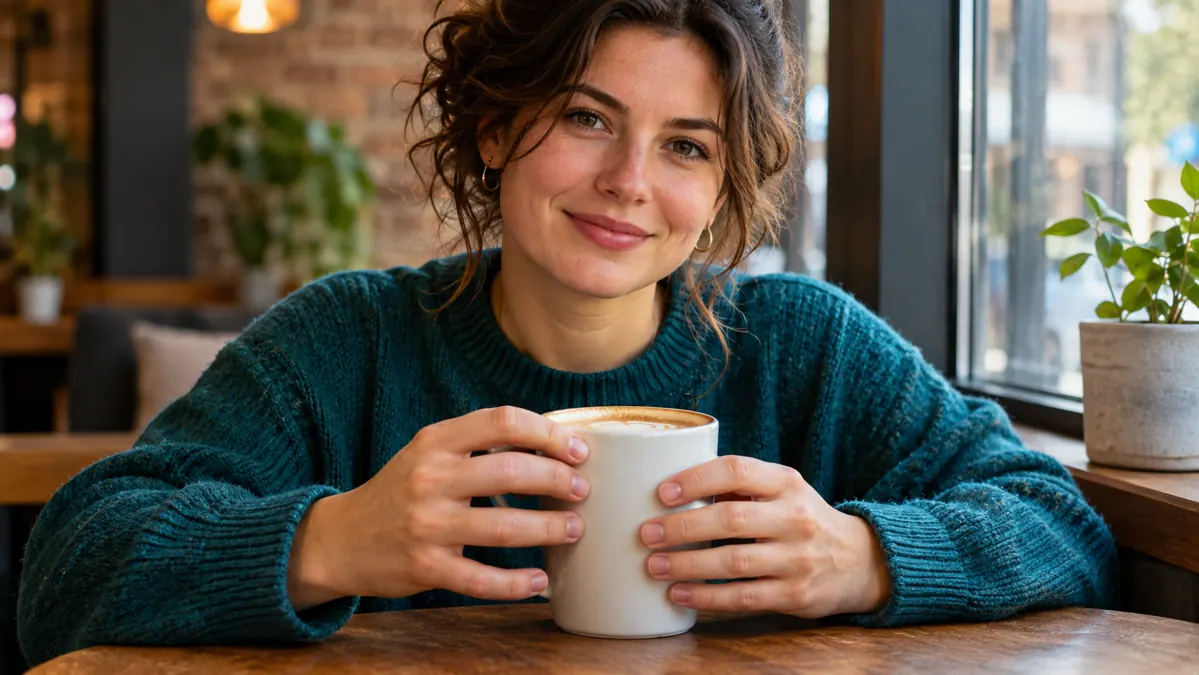
An AI portrait can look convincing until you notice six fingers, a fused thumb, or a hand that bends around a cup in an impossible way. You usually do not need to regenerate the entire image. Start by identifying the exact anatomy problem, then try a local edit that preserves the face, clothing, lighting, and composition.
Quick answer: repair the hand, not the whole image
Open the image in an editor that supports selective AI editing or inpainting. Select the faulty hand and a small amount of surrounding wrist or object, then ask the editor to correct the anatomy while preserving everything outside the selected area. Inspect the result at full size before accepting it. A local selection reduces the scope of the requested change, but it does not guarantee that the background or other details will remain pixel-identical.
First, diagnose the actual mistake
- Extra or missing fingers: count visible digits and check whether any fingers are naturally hidden behind an object.
- Fused fingers: inspect the gaps and joints rather than asking for more detail everywhere.
- Broken wrist: include the wrist and part of the forearm in the repair area.
- Incorrect grip: include the cup, phone, or other object the hand is touching.
- Blurred tiny hand: consider a closer crop or a higher-resolution edit before trying to fix individual fingers.
Do not automatically demand that all five fingers be visible. A believable hand holding a mug may show only some fingers because the rest are occluded.
Visual example: what to look for in a hand repair
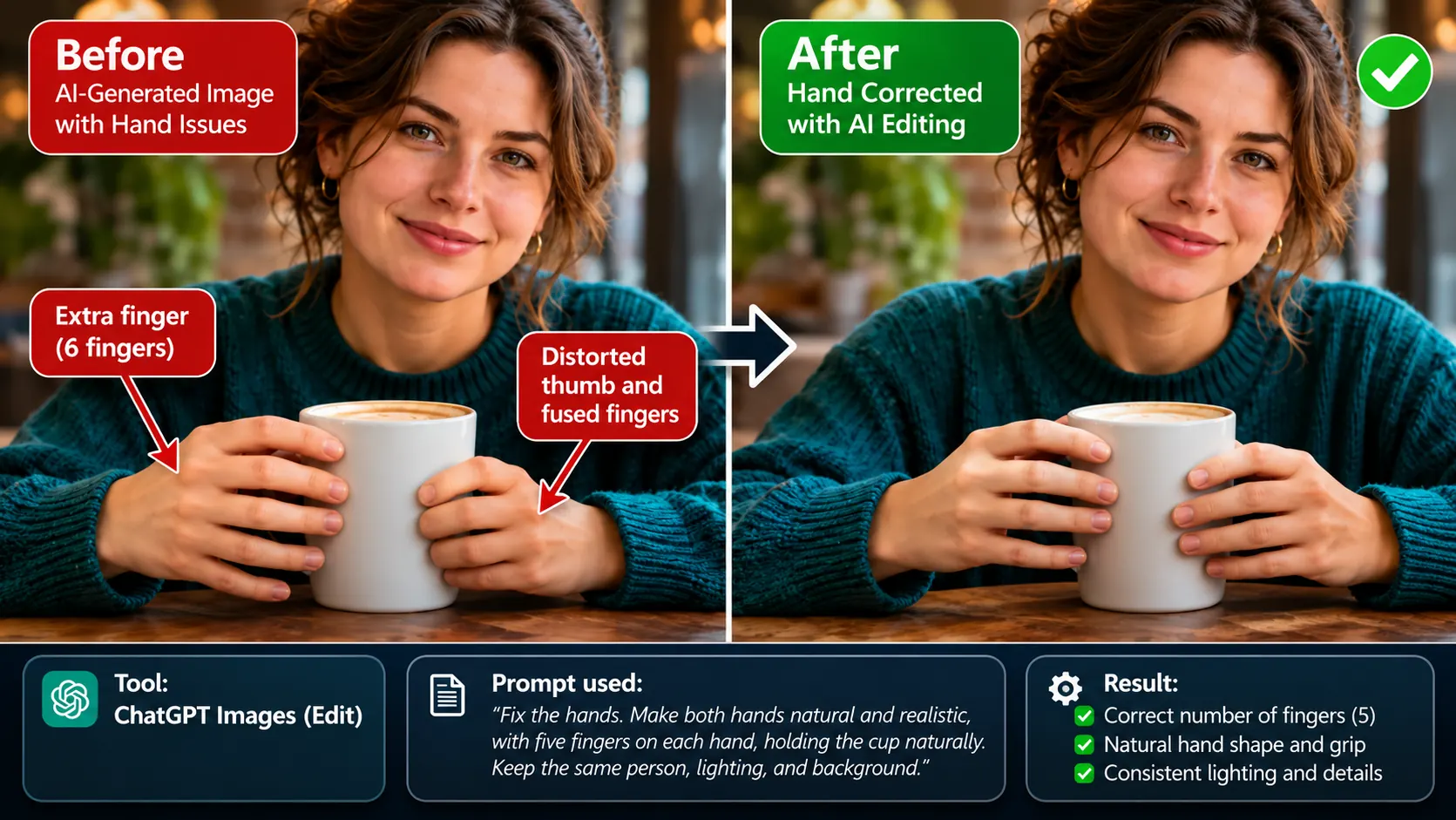
Use this comparison as a visual checklist: look for extra or fused digits, plausible thumb placement, and fingers that contact the mug naturally. The graphic illustrates the concept; it does not demonstrate that a specific editor successfully repaired this exact image.
Method 1: Fix a hand with ChatGPT Images
- Open the original image in ChatGPT Images, or upload it to an image-editing conversation.
- If available, use the selection tool to mark the malformed hand. Include the wrist and the object it touches if they are part of the problem.
- Paste the repair prompt below and request an edit, not a new scene.
- Compare the edited result with the original: check the face, hand pose, mug, sleeve, shadows, and background.
- If the repair fails, make one more targeted attempt with a clearer anatomical instruction. Save the original so you can revert.
Copyable repair prompt:
Correct only the malformed hand in this image. Make the anatomy believable, with a natural thumb position, plausible finger joints, and a grip that matches the object being held. Preserve the person's identity, face, clothing, camera angle, lighting, colors, and background. Do not add fingers or change the composition.
OpenAI’s image-editing documentation says you can select an area or describe the edit in the conversation. It also warns that edits can extend beyond a selection, so compare the entire image after each attempt. Official ChatGPT Images instructions.
Method 2: Repair a hand in Midjourney
- Open the image in the Midjourney web Editor.
- Use the Erase brush in the Paint panel, or the available region-repainting control, to mark the hand and enough surrounding context for a natural repair. The label may differ by editor version.
- Keep the main scene description where possible. Describe the corrected hand in context—for example, a natural hand holding a white ceramic mug in warm café light, matching the original photo style—rather than giving only a chat-style command such as “fix the hand.”
- Generate the edited region, then check for mismatched skin texture, duplicated fingers, and unnatural transitions.
- If the first result fails, revise the selection or simplify the hand pose instead of repeatedly regenerating the same instruction.
Midjourney documents its web Editor and region-based editing. Controls and model behavior can change between versions. Official Midjourney Editor guide.
Which repair prompt should you use?
| Problem | Suggested instruction |
|---|---|
| Extra finger | Remove the extra digit and rebuild a natural five-digit hand; preserve the existing pose. |
| Fused fingers | Separate the visible fingers into anatomically plausible shapes with natural joints and shadows. |
| Broken wrist | Correct the connection between forearm, wrist, and palm without changing the arm position. |
| Hand holding a mug | Make the fingers wrap naturally around the mug, with believable contact and no duplicated digits. |
| Hand behind an object | Keep hidden fingers occluded; correct only the visible anatomy. |
When local editing is the wrong choice
Local inpainting is best when the rest of the image is worth keeping and the problem is confined to one area. If the hand crosses a face, merges with several objects, or has an impossible arm position, you may need to repair a larger region or generate a new pose. If the hand is only a few pixels wide, cropping it out or changing the composition can be more practical than inventing details. You can also try enlarging the image before editing, but an AI upscaler may invent finger details rather than recover true anatomy. For a fundamentally broken pose, ask ChatGPT for a new pose variation in the same style, or revise the scene prompt and regenerate in Midjourney.
How to prevent malformed hands in new generations
When generating a new image, describe the hand’s action and its relationship to nearby objects: “one hand resting naturally on the table” is clearer than “beautiful detailed hands.” Use a reference image or a simpler pose when your tool supports it. If hands are not important to the scene, consider a crop that keeps them out of frame or a natural pose with hands in pockets. These choices can reduce the opportunities for visible anatomy errors, but none guarantees correct fingers.
How to check the result before exporting
- Count the visible fingers and locate the thumb.
- Follow the wrist into the palm and inspect joint direction.
- Check where fingers touch objects; avoid fingers passing through solid surfaces.
- Compare skin tone, grain, shadows, and sharpness with nearby areas.
- Inspect the whole image, not just the hand, for unexpected changes.
A note about examples and testing
The accompanying cover is an editorial AI-generated illustration, not a documented before-and-after hand-repair experiment. The prompts above are practical starting points based on available editing workflows, not claims of a measured success rate. AI Revolution has not conducted a controlled comparison of ChatGPT and Midjourney hand-repair success rates for this article. Results vary by image, model, selection, and pose.
The takeaway
Fixing AI hands starts with diagnosis, not a magic negative prompt. For a small local defect, select the hand and relevant context, describe the desired anatomy clearly, and check the whole image after editing. For severe pose errors, widen the repair area or rebuild the pose rather than spending attempts on a broken structure.