
Microsoft has expanded its MAI Image 2.7 lineup with a faster Flash model and a new Canvas editing workspace. Announced on November 17, 2026, the update focuses on something image creators regularly struggle with: changing one part of a picture without unnecessarily changing everything else.
What’s new?
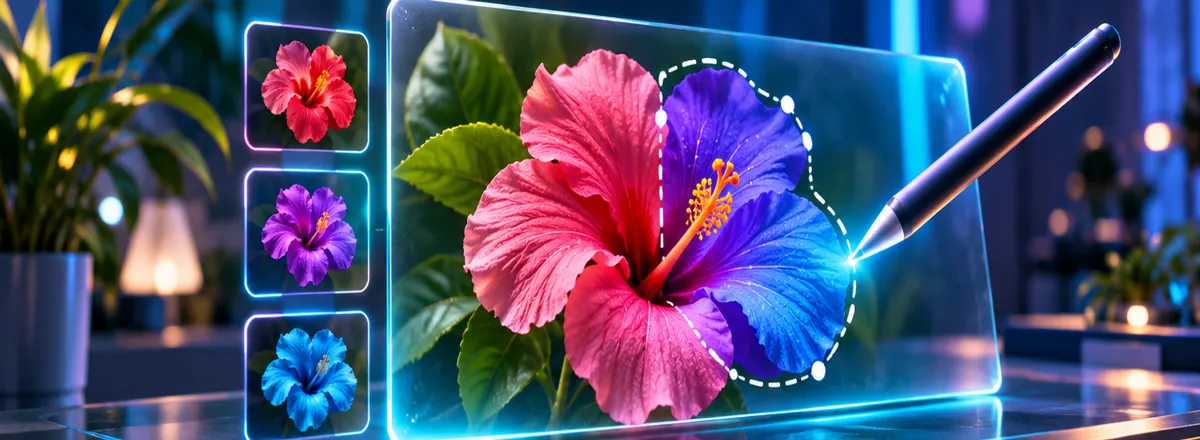
MAI Image 2.7 and MAI Image 2.7 Flash support image generation and editing. Microsoft says they can make targeted changes to an object’s color, material or position while maintaining consistency across successive edits. Both models also support transparent-background outputs. Canvas, available in MAI Labs and powered by Flash, lets users start with a prompt or sketch, select an area, and replace, move or restyle elements.
Why creators should care
For a product image, a useful workflow is to change the backdrop or one object’s color while checking that the label, proportions and other details remain correct. For illustrations, Canvas could make repeated local revisions less cumbersome. These are announced capabilities, not results independently tested by AI Revolution.
Microsoft reports that MAI Image 2.7 ranked first on the Artificial Analysis image-editing benchmark as of November 16. That result is specific to the benchmark and model configuration; it does not establish perfect preservation of original pixels.
Availability and pricing
Microsoft lists MAI Image 2.7 at approximately $35 per 1,000 images and Flash at approximately $10 per 1,000 images in public preview on Microsoft Foundry. These are stated approximate model prices, not a promise that every application or workflow will cost the same. The models are also available through MAI Labs and selected partners; access and terms may vary by platform.
What to try first
- Open Microsoft’s announcement and follow its MAI Labs link.
- Choose a source image with a small object you want to recolor.
- Request only that local change and compare the result with the source, especially text, edges and background details.
- For transparent output, inspect the downloaded file’s alpha channel rather than trusting a checkerboard preview.
For context, see our four-photo background removal test and product-label preservation guide. We have not yet run this comparison with MAI Image 2.7.
Official source: Microsoft AI, November 17, 2026. Cover: editorial illustration, not an output from the announced model.